
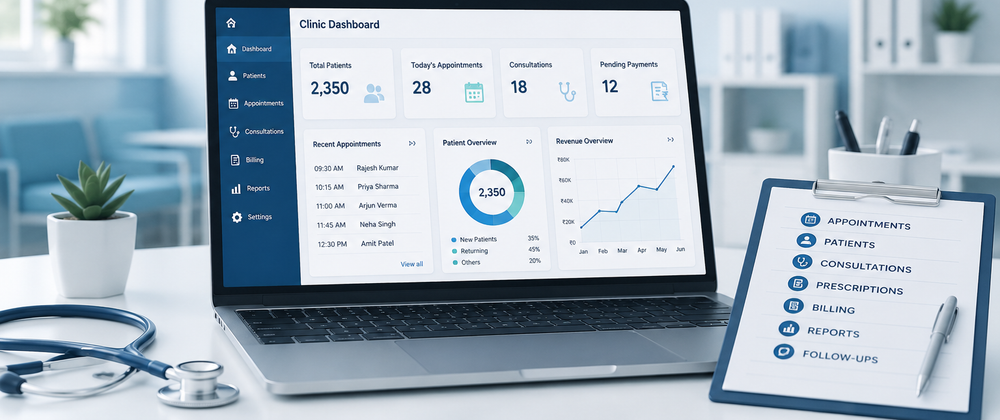

Buying healthcare software is a long-term operational decision.
Once a clinic begins using a system for patient records, appointments, billing and other activities, changing software later can require time, training and data migration.
That is why clinics should understand the difference between EMR, EHR and clinic management software before making a decision.
The goal is not to find the platform with the most features.
The goal is to find technology that fits the clinic's workflow.
Step 1: Identify What You Want to Digitize
Start by looking at the current problems.
Are patient files still maintained on paper?
Is appointment management becoming difficult?
Are billing and patient records handled separately?
Are staff members entering the same information more than once?
The answers can help define the type of software required.
Step 2: Understand the Role of an EMR
An Electronic Medical Record is primarily designed for digital clinical documentation.
It can help manage:
- Patient medical history
- Consultation notes
- Diagnoses
- Allergies
- Prescriptions
- Treatment information
- Laboratory results
If the main objective is to move away from paper medical records, an EMR-focused system may meet the requirement.
However, it may not cover every operational activity required to run a clinic.
Step 3: Understand the Role of an EHR
An Electronic Health Record is designed around a broader view of patient health information.
Depending on the system and available interoperability, relevant health information may be shared between authorized healthcare settings.
EHR functionality may be important for organizations that need connected health information beyond a single clinical environment.
The actual level of interoperability depends on the technology, integrations, standards and access controls involved.
Step 4: Evaluate Whether You Need Complete Workflow Management
If your clinic needs to manage more than medical records, a broader clinic management system may be appropriate.
A complete workflow can involve:
Appointment → Registration → Consultation → Record → Prescription → Billing → Follow-Up
Depending on the platform, additional functions may include pharmacy, inventory, diagnostics, communication and reporting.
This type of software is designed to support the operational side of running a clinic alongside clinical documentation.
Step 5: Evaluate the Patient Management Process
Patient information should be easy to access and update.
Check whether the system supports:
- New patient registration
- Returning patient identification
- Medical history
- Consultation records
- Follow-up information
The patient journey should be central to the software workflow.
Step 6: Evaluate Clinical Documentation
Doctors should be able to document consultations efficiently.
Look for practical support for:
- Clinical notes
- Diagnoses
- Prescriptions
- Treatment plans
- Medical history
A complicated documentation process may reduce adoption, even if the system has many features.
Step 7: Review Appointment and OPD Workflows
Clinic operations depend heavily on scheduling.
Evaluate how the software handles:
- Appointments
- Doctor availability
- Patient queues
- OPD activity
- Follow-up scheduling
The workflow should reflect how the clinic actually operates.
Step 8: Check Billing Requirements
Every clinic has different financial workflows.
The system should be evaluated for its ability to support requirements such as:
- Invoices
- Receipts
- Payments
- Outstanding amounts
- Financial reporting
Billing should fit naturally into the wider patient workflow.
Step 9: Consider Required Integrations
A clinic may work with other services, including:
- Laboratories
- Pharmacies
- Diagnostic centers
- Payment systems
- Communication platforms
Check whether the software supports the integrations that are genuinely important to the clinic.
Step 10: Don't Ignore Security
Patient information requires appropriate protection.
Before selecting a platform, ask about areas such as:
- User authentication
- Role-based access
- Data access controls
- Backup procedures
- Security practices
- Audit capabilities
The exact requirements may depend on the clinic, jurisdiction and applicable regulations.
Step 11: Plan for Growth
Software should not become an obstacle when the clinic expands.
Consider whether the platform can support:
- More doctors
- Additional staff
- Higher patient volumes
- New services
- Multiple locations
A scalable system may reduce the need for major technology changes later.
Step 12: Request a Workflow Demonstration
Do not evaluate software only through a feature checklist.
Ask the provider to demonstrate a real workflow.
For example:
A patient books an appointment. The patient arrives. Registration is completed. The doctor accesses the record. A consultation is documented. A prescription is created. Billing is completed. A follow-up is scheduled.
Watching this process can provide a clearer understanding of how the platform works.
Final Decision
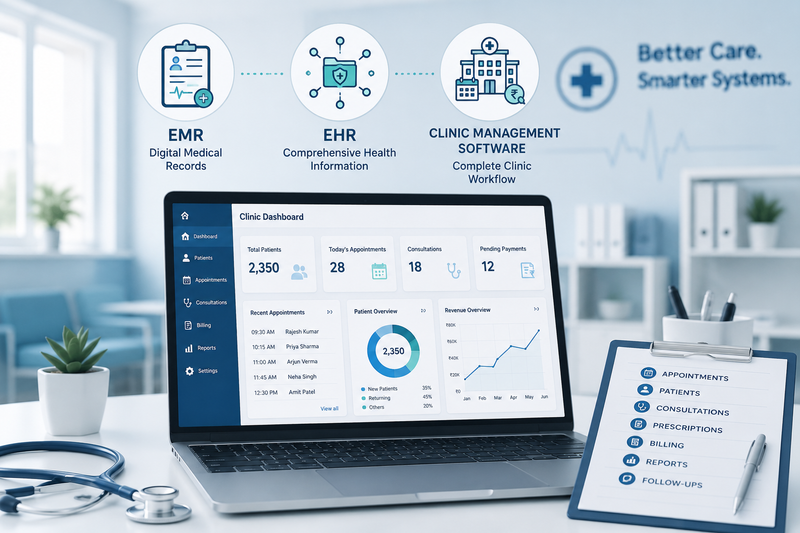
EMR, EHR and clinic management software serve different purposes.
An EMR is primarily focused on medical records.
An EHR supports a broader approach to health information and authorized interoperability.
Clinic management software supports the wider operational workflow around patient care.
For many clinics, the best solution may involve integrated EMR or EHR functionality within a broader clinic management platform.
The right choice should be based on practical needs—not software labels.
Understand your workflow, identify your operational problems and choose technology that supports the way your clinic works today while remaining prepared for future growth.







Top comments (0)