
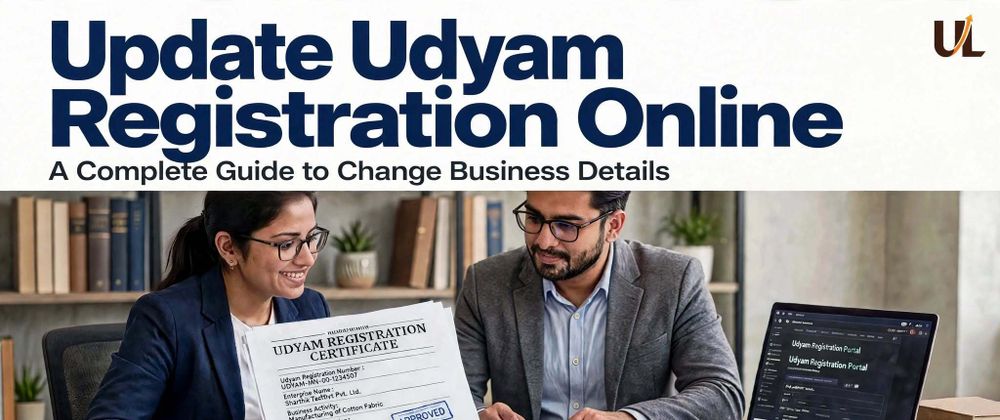

Business information can change over time after completing the MSME Registration Process is a common thing. For example, a company may move to a new address, add a new business activity in another location, open a new plant, or correct an error in its registered business address. When this happens, it is important to keep the Udyam Registration details accurate and up to date.
An outdated Udyam record can create confusion during loan applications, tender submissions, government scheme applications, and business verification. If the details on the certificate do not match your current records, you may be asked to provide additional details or your application rejected. The good news is that you can update your address through the online portal.
This article explains how to update Udyam Registration online, what details can be changed, and how to avoid common mistakes during the update process.
Why Should You Update Udyam Registration Details?
Updating your registration information is important for maintaining correct business records. You may need to update Udyam Registration details when:
- Your business address has changed
- The registered mobile number is no longer active
- Your email address has changed
- You have added or removed a business activity
- Your NIC code does not accurately describe your work
- Your bank details have changed
- The business owner or authorised person has changed
- Your enterprise name has been updated
- Investment or turnover information updated
- Information was entered incorrectly during registration
- Financial year updated
Keeping your record updated can help make sure that your Udyam Certificate matches your current business information.
Which Business Details Can Usually Be Updated?
The MSME Registration Portal allows some details to be changed, for example
1. Business Address
If the registered office, factory, shop, or company location has changed, the address should be reviewed. A correct address is helpful for the official documentation verification process.
2. Mobile Number
The registered mobile number may be needed for OTP verification. If the number is lost, misplaced, or not active, update it as soon as possible.
3. Email ID
An active email ID can help you access the MSME Portal and business records. If your registered mobile number is inactive, you can receive an OTP via email.
4. Business Activity
If your business has changed its main activity or added a new business activity, update your business activity on the existing Udyam Registration Certificate.
5. NIC Code
The NIC code shows your business activity. An incorrect code may create confusion during tender applications, bank loans, or government scheme verification.
6. Bank Details
If your Udyam Registered bank account details have changed, change your bank details. Avoid payment or verification-related issues.
Keeping all records updated helps avoid future problems.
Details You Can't Change in the Udyam Certificate
Once your Udyam registration is done, these things cannot be updated:
- PAN Details
- Aadhaar Details
- Owner's Name
- State and District in business address
How to Update Udyam Registration Online
The Update Udyam Registration Online process can be completed in a few simple steps. Follow the process given below:
- Visit the official Udyam Registration website online.
- Select “Update Udyam Certificate” and open the new application form.
- Enter your name, registered mobile number, and email ID.
- Enter the verification code, select the Terms, Conditions, and Consent Declaration checkbox, and click the “Submit Application” button.
- Pay the nominal fee for our support and guidance services.
- After submitting the application, our executives will contact you to complete the verification process.
- Once the process is completed, your updated Udyam Registration Certificate will be sent to your registered email ID. After receiving your updated Udyam Registration Certificate, carefully check that all the details are correct and up to date.
Common Problems During Udyam Registration Details Update
Avoid these common issues during the update process.
1. OTP Not Received
Check your network connection and SMS or inbox in your email. Wait before requesting another OTP for a few minutes.
2. Old Mobile Number Is Inactive
If you no longer have access to the registered mobile number, follow the additional verification process using your registered email ID.
3. Incorrect Registration Number
Enter the Udyam Registration Number carefully. Check for missing a digit, extra spaces, or a typing error; a small mistake can create a big problem.
*4. Portal Is Not Working *
Try again later, use a different updated browser, or clear your browser cache.
Why an Updated Certificate Matters
An updated Udyam Certificate can support the business verification process. It may be required when applying for:
- MSME loans
- Public and private tender participation
- Government schemes and Subsidies
- Vendor registration
- Business partnerships If the details on your Udyam Certificate don’t match your other business records, you may be asked to clarify them or provide extra documents. Review and update your registration before applying to help avoid unnecessary delays.
Also Read: Online Udyog Aadhaar Renewal Process
Conclusion
Businesses should always maintain accurate and updated information to grow their business without any problem. Whether you are changing your address, mobile number, bank details, NIC code, or business activity, the Update Udyam Registration Online process can help you maintain correct MSME records.
Use the update Udyam Process, complete verification carefully, and receive your certificate. If you face an OTP, login, or technical problem, contact your support team.
Udyam Registration records, when accurate, may be very helpful for future loans, tenders, business verification, and other government processes.







Top comments (0)