


Have you ever wished you could open a real U.S. dollar account without living in the U.S.? 💵 Well, that’s exactly what GrabrFi promises! In this article, we’re diving deep into GrabrFi — a fintech app that lets you open a USD account, receive payments from platforms like PayPal or Upwork, and even get an international card, all from your phone. In this article I will walk you through the process of creating a verified Grabrfi account. Let's dive into it.
👉 Click here to open a Grabrfi account
What is Grabrfi?
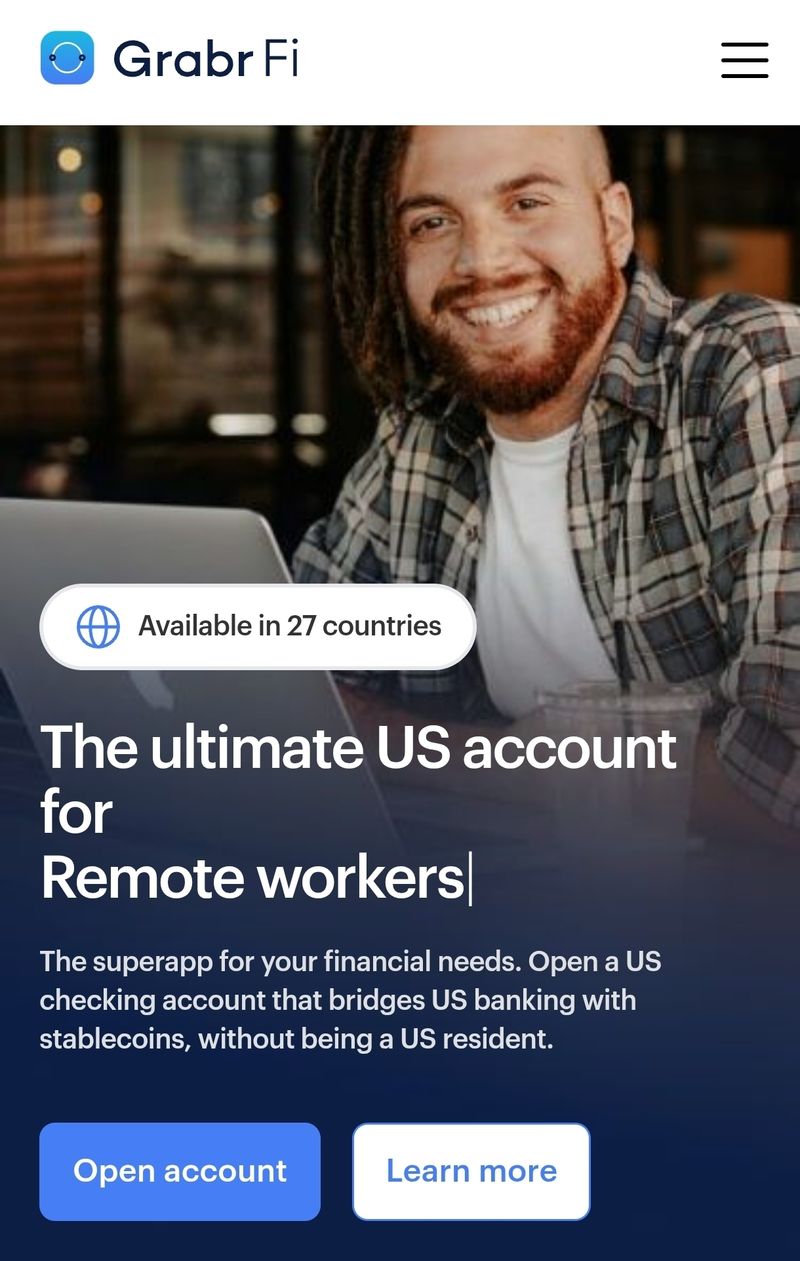
GrabrFi is a fintech mobile application that allows users — even non-U.S. residents — to open a U.S.-dollar bank-type account, receive payments in USD, and use a U.S.-issued international card.
Key features
You can open a USD account from your phone, with no U.S. residency required.
Receive payments into the USD account via tools like PayPal, Wise, Upwork, etc.
You get an international card (physical or virtual) (a Mastercard) to spend USD or convert for purchases globally.
You can send certain stablecoins (e.g., USDC, USDT, PYUSD) from your account.
The USD deposits are held at a U.S.-chartered bank partner (Regent Bank), member of the FDIC.
👉 Click here to open a Grabrfi account
What You'll Need Before You Start:
- A Smartphone: The entire process can be completed on your mobile device.
- Active Email Address: For registration and verification.
- Active Phone Number: For registration and verification.
- Government-Issued ID: One of the following: National ID (digital slip in color or the physical card)
- International Passport
- Driver's License
- Tax Identification Number (TIN/JTB): Required for verification (optional)
- Stable Internet Connection: For a smooth sign-up process.
👉 Click here to open a Grabrfi account
How to open a Grabrfi account (step-by-step):
Follow these steps to open a Grabrfi account:
Step 1: Initiate Your Sign-Up
Access GrabrFi: Go to Grabrfi official website using the links in this article which will take you directly to the GrabrFi sign-up interface. Or Click Here.
Enter Credentials: On the initial sign-up page, you will be prompted to enter your email address and create a secure password.
Step 2: Email and Phone Verification
Email Verification: After entering your initial details, a verification code will be sent to the email address you provided.
Input Email Code: Open your email, copy the verification code, and paste it into the designated field on the GrabrFi platform to proceed.
Provide Phone Number: Next, you'll need to enter your phone number. Ensure you select the correct country code (e.g., +234 for Nigeria).
Agree to Terms: Before receiving the phone verification code, you'll need to agree to the GrabrFi terms.
Phone Verification: A second verification code will be sent to your registered phone number via SMS. Input this code into the platform.
Step 3: Review and Acknowledge Banking Terms & Conditions
This is a crucial phase where you understand the legal aspects of using US banking services.
Review Documents: Carefully review all the provided documents and terms for using US banking services. This includes consent for the electronic delivery of account-related documents.
E-Sign Disclosure: Acknowledge that you have reviewed the e-sign disclosure.
Consent to Open Account: Explicitly agree to open a checking account with their partner bank.
Financial Regulations: Review and consent to the section regarding financial regulations designed to help governments track funding and combat illicit financial activities. Click "continue" after reviewing.
👉 Click here to open a Grabrfi account
Step 4: Personal and Account Usage Details
You will now provide information about yourself and how you intend to use the GrabrFi account.
Country of Residence: Select your country of residence from the dropdown menu (e.g., Nigeria).
Account Usage: Specify how you plan to use the GrabrFi account (e.g., to send money, pay bills, invest, etc.).
Politically Exposed Person (PEP): Answer truthfully if you or any family member holds a high government position.
Discovery Method: Indicate how you learned about GrabrFi (e.g., from a content creator or influencer).
Step 5: Financial and Employment Information
This section helps GrabrFi understand your financial background.
Source of Wealth/Income: Choose your primary source of income (e.g., salary, self-employed income). If your specific source isn't listed, you may select "other" and provide a brief description.
Employment Status: Select your current employment status (e.g., self-employed, employed, student).
Occupation and Industry: Choose the industry that best describes your work (e.g., Information Technology Services, Creative Arts, etc.) and specify your position/occupation.Company Payments: Answer questions about whether you receive payments from your company.
Annual Income: Provide an estimated annual income in USD.Social Security/Tax Number: Select "Social Security" as the category for your tax identification number.
Residence Status: Indicate whether you own or rent your residence.
👉 Click here to open a Grabrfi account
Step 6: Identity Verification (KYC - Know Your Customer)
This is the most critical step for security and compliance.
Confirm Country for ID: Confirm the country associated with your identification documents.
Prepare Your Document: Have one of the following ready:
National ID: Ensure it's the physical card or a color print of the digital slip.
International Passport
Driver's License
Initiate Verification: Select the type of document you will be providing (e.g., National ID).
Document Capture: Click the camera icon within the GrabrFi app.Carefully position your chosen ID document within the on-screen indicators.
Ensure good lighting and clarity, then capture the image. You may need to capture both the front and back, depending on the document.Selfie Capture (KYC): The system will then prompt you to take a live selfie. Follow the on-screen instructions, which typically involve moving your head slightly or blinking to confirm it's a live person.
Provide Tax Number: Enter your Tax Identification Number (TIN) or Joint Tax Board (JTB) number, as applicable for your country. This is optional.
Submit for Review: Once all document and selfie captures are complete and your tax number is entered, submit your information for review.
Step 7: Awaiting Approval and Account Activation
Processing Period: After submission, your details will be processed by GrabrFi and its banking partners. This period can vary, but you will typically receive notifications via email or within the app.
Account Activation: Once your verification is successful and approved, your GrabrFi account will be fully active!
Request Your Virtual Card: With your account active, you can now proceed to request your international USD virtual debit card, which will allow you to make online payments and receive funds directly.
Congratulations! By following these steps, you should be well on your way to enjoying the benefits of a GrabrFi USD account, empowering your international financial transactions.
👉 Click here to open a Grabrfi account
Conclusion:
Grabrfi is an awesome platform to get a working USD. Opening an account doesn't have to be that hard. I have made sure to cover the steps to opening an account in this article. I hope it helps you.







Top comments (0)